
BYOK vs managed AI for agent safety
Choosing who supplies the model key is really a choice about privacy, cost, convenience, control, and who handles the ongoing work.
OpenLeash offers Personal Open Source for people who want everything kept on their computer and OpenLeash Cloud for people who want a managed experience. The right option depends on how much control and maintenance you want.
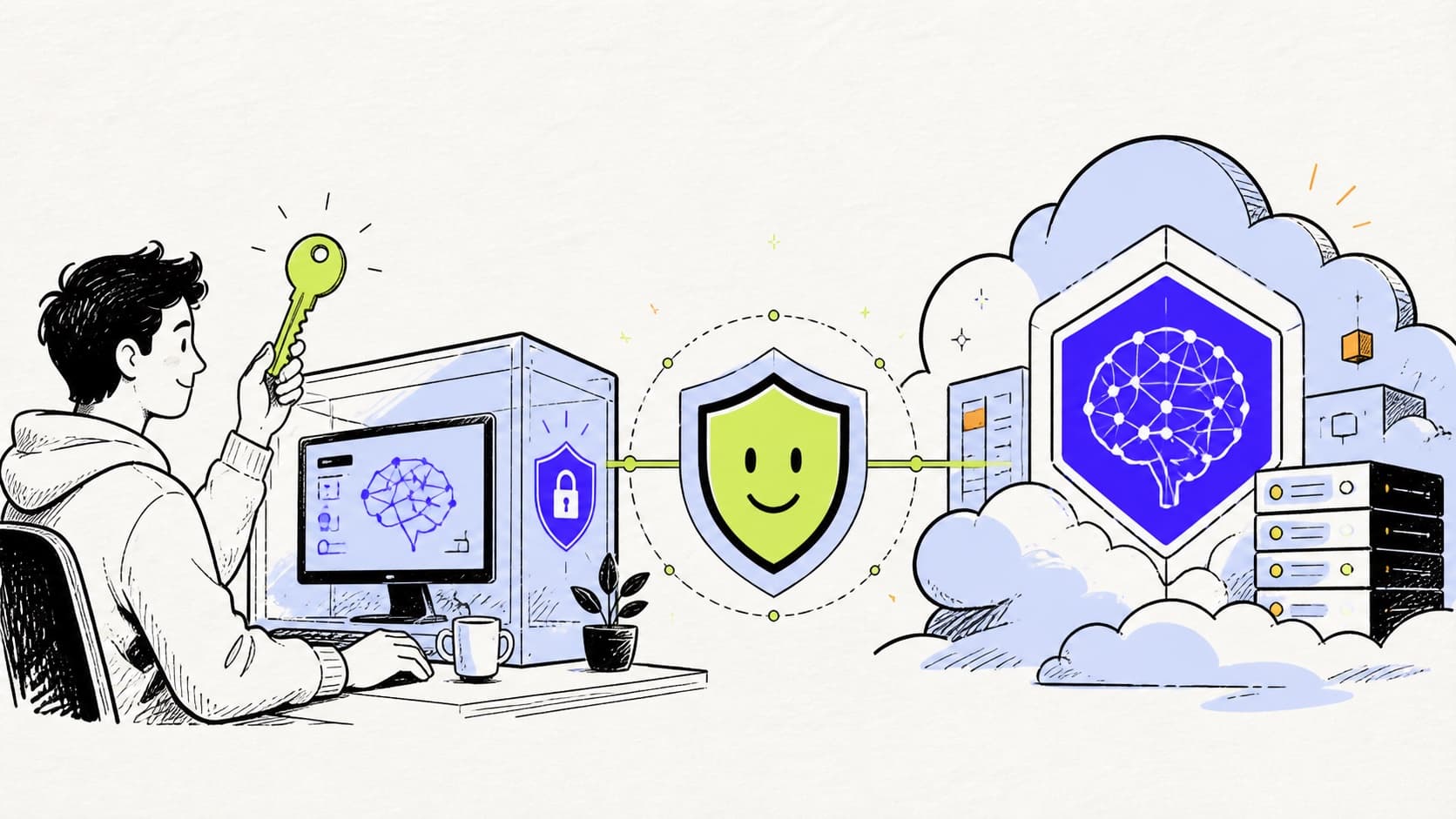
BYOK is more than a billing preference
Bring your own key means the user supplies credentials for the model provider used in evaluation. That can improve direct cost visibility and provider choice, but it also creates operational duties: secure storage, rotation, quota management, provider configuration, availability, and incident response.
A managed service reduces those duties and can make cross-device access easier. It introduces a hosted dependency and requires evaluation of service data handling, tenancy, support, and billing. Neither choice is automatically more secure. The correct answer depends on threat model and operating capability.
The Personal Open Source model
OpenLeash Personal Open Source is the complete personal product for one person. Protection, settings, approvals, results, and history stay on the user's computer. The user supplies a supported model-provider key and does not need a OpenLeash Cloud account or subscription.
It is not a limited version of OpenLeash. It uses the same OpenLeash-reviewed protections as the managed personal experience, while giving the user direct control over their data and provider choice.
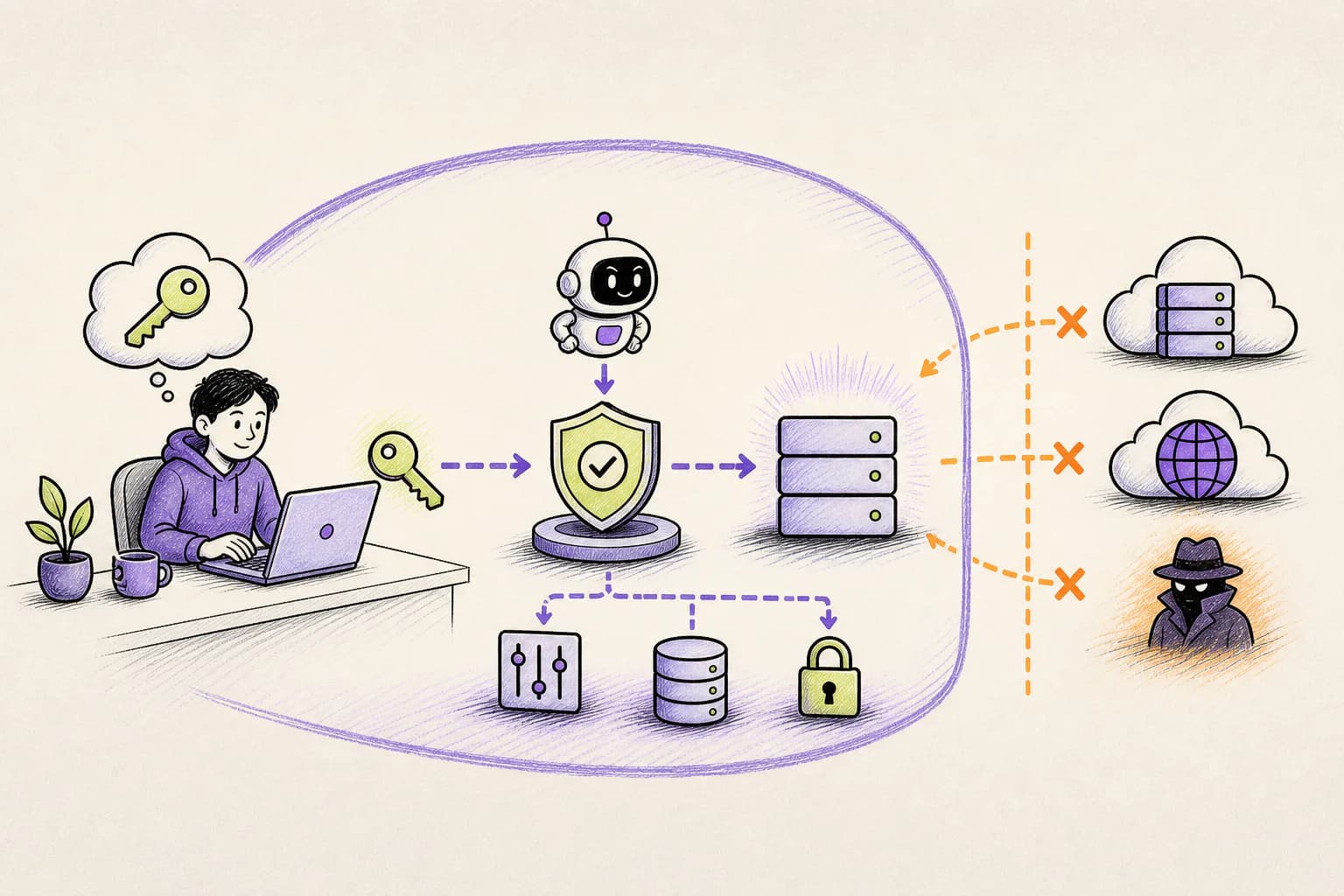
The managed Business Cloud model
A free single-member Business organization provides a managed service. Desktop, web, and optional mobile work together, and OpenLeash handles the evaluation service behind them without asking the user for a model-provider key.
The practical advantage is convenience. There is no evaluation-provider key to maintain, and important approvals can follow the user across devices. Paid billing begins only when the organization adds protected team seats.
The Business OpenLeash Cloud model
Teams use hosted OpenLeash Cloud at $10 per protected user per month, or $8 per user per month billed annually. It brings team administration, billing, optional identity sync, company policy, support, and ongoing operation into one managed product.
The value is one security and budget-control layer across the AI tools employees choose. Businesses gain consistent protection and visibility without building or maintaining their own agent-safety system.
Compare the real tradeoffs
Evaluate where agent requests, results, and approvals travel. Determine who holds the model key, who replaces it when needed, how spending limits work, what happens when the provider is unavailable, and which devices need access. Agents that run online are usually easier to protect with OpenLeash Cloud than with a service kept on one computer.
Cost includes more than subscription price. A free local product still has operational time, provider usage, updates, backups, and network setup. A hosted service includes vendor dependency and recurring cost but removes much of that work.
- Data path and retention
- Model-provider key custody and rotation
- Provider choice and evaluation quality
- Local maintenance, updates, and backups
- Desktop, web, iOS, and Android attention requirements
- Protection for remote and cloud-based agents
- Usage budgets, quotas, support, and total operating cost
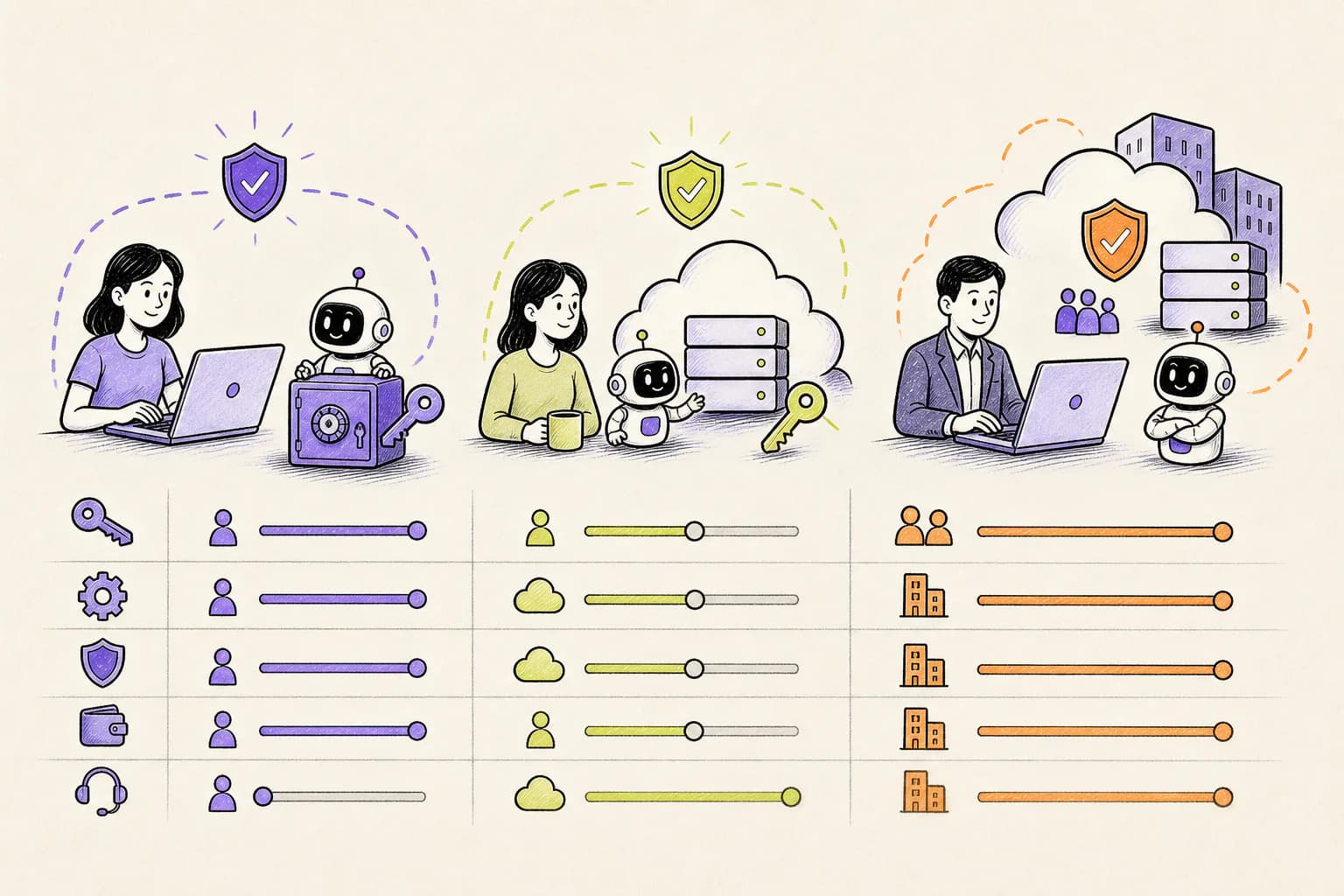
A simple decision guide
Choose Personal Open Source when one person wants everything kept on their computer, prefers their own model key, and does not want an OpenLeash account. Choose a free single-member Business organization when one person values managed convenience and connected web or mobile alerts. Add protected Business seats when a company needs visibility and control across employees.
Start with the smallest option that supports the real workflow. Moving to a managed experience later does not mean learning a different product or losing the protections people already trust.
Deploy without creating a second project
On macOS or Windows, select the agents you use and let OpenLeash connect them. Review the protections OpenLeash turns on automatically, add optional mobile alerts if useful, then test one safe action and one action that should be blocked or require approval.
The fastest rollout is a real workflow with a clear boundary. Protect one coding agent, one project, and a small set of high-impact actions. Expand after the decisions are useful and predictable.