
Can an AI agent delete your files or database? Yes. Here is why.
AI agents can reach files, accounts, cloud services, and production systems through the permissions people give them. Here is the risk in plain English.
An agent does not need a special superpower to cause damage. If it can run a terminal command, click a button, or call an API with your authority, it may be able to delete the same things you can delete. The safety question is whether anything checks the action before it happens.
The answer in one sentence
Yes. An AI agent can delete files, erase a database, change cloud infrastructure, send private information, publish unfinished work, or spend money if the tools and permissions around it allow those actions.
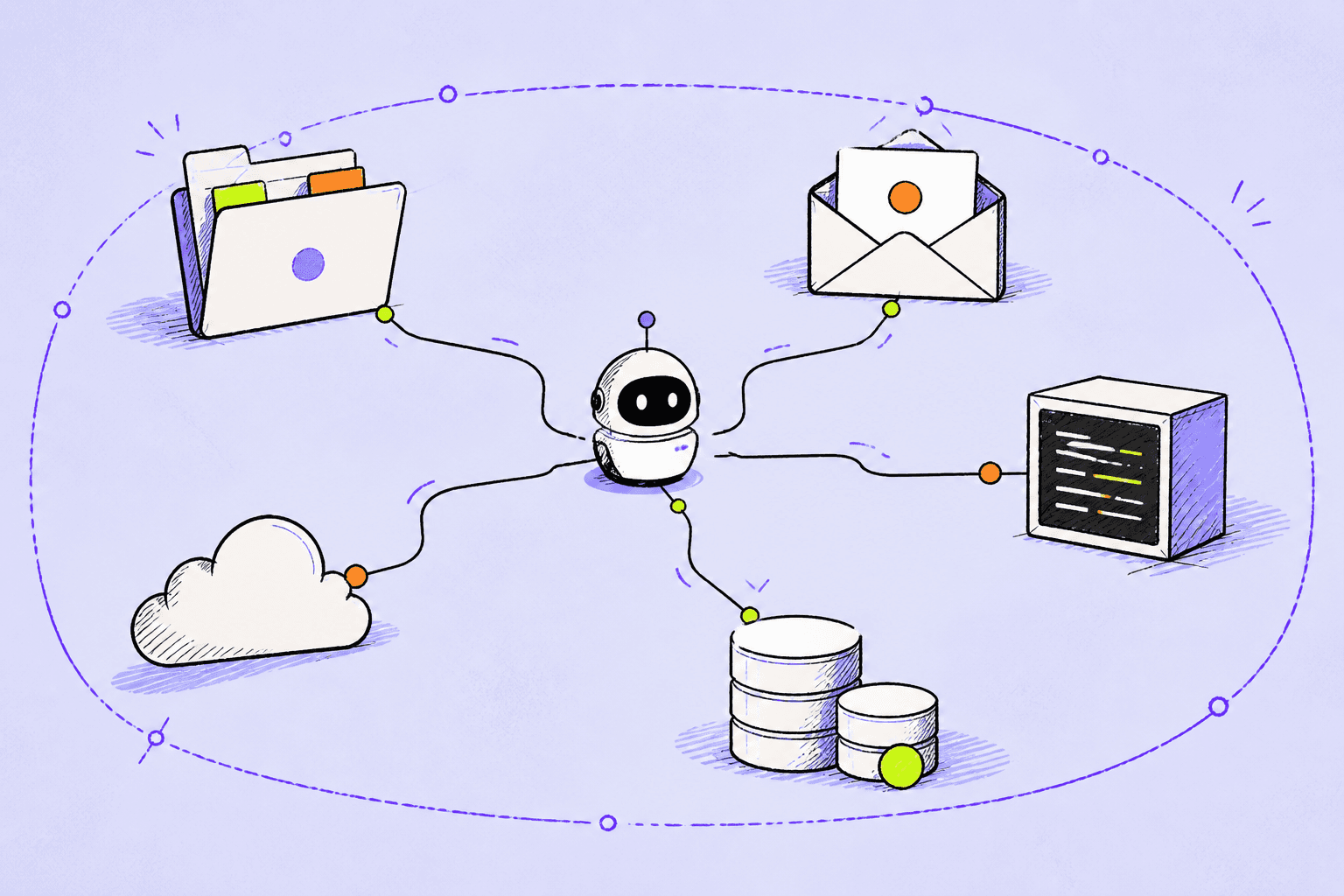
The AI model does not hold a magic master key. Access comes from ordinary software connections: a folder the agent can read, a terminal it can control, an account already signed in, an API token stored on the computer, a browser session, or a business integration. The agent's reach is the combined reach of those connections.
How a conversation becomes an action
A normal chatbot returns words. An agent operates in a loop. It reads the goal, chooses a tool, observes the result, and chooses the next tool. Ask it to fix an application and it may inspect code, run a test, change a file, restart a service, and check the result. Each step gives the model new information that can change its plan.
The loop is powerful because the user does not have to describe every command. It is risky for exactly the same reason. The user approves the goal, while the agent invents the route. If one route passes through a dangerous tool, a broad credential, or the wrong environment, the agent can create a real consequence before the user understands what it chose.
The user asks for an outcome. The agent chooses actions. Security has to govern the actions, not only the request.
What an agent may be able to reach
On a personal computer, a coding or desktop agent may see documents, downloads, source code, photographs, saved conversations, configuration files, and keys used to sign in to other services. If it can run commands with the user's privileges, it can often change or delete the same local files that user can.
Inside a business, one employee environment can connect to GitHub, cloud consoles, customer databases, internal tools, email, shared drives, ticketing systems, and production deployment systems. SaaS agents add their own connectors. Computer-use agents may operate through the same buttons and forms a person sees. The result is not one permission. It is a chain of reachable systems.
- Files: read, rename, rewrite, move, encrypt, or delete
- Accounts: send email, publish content, change settings, or invite users
- Code: introduce a bug, expose a secret, overwrite working changes, or deploy unfinished work
- Databases: read private records, modify customer data, or remove tables and volumes
- Cloud services: start resources, change networks, rotate settings, or delete infrastructure
- Money: consume model tokens, cloud capacity, paid APIs, advertising, or software credits
Four ways a normal task turns dangerous
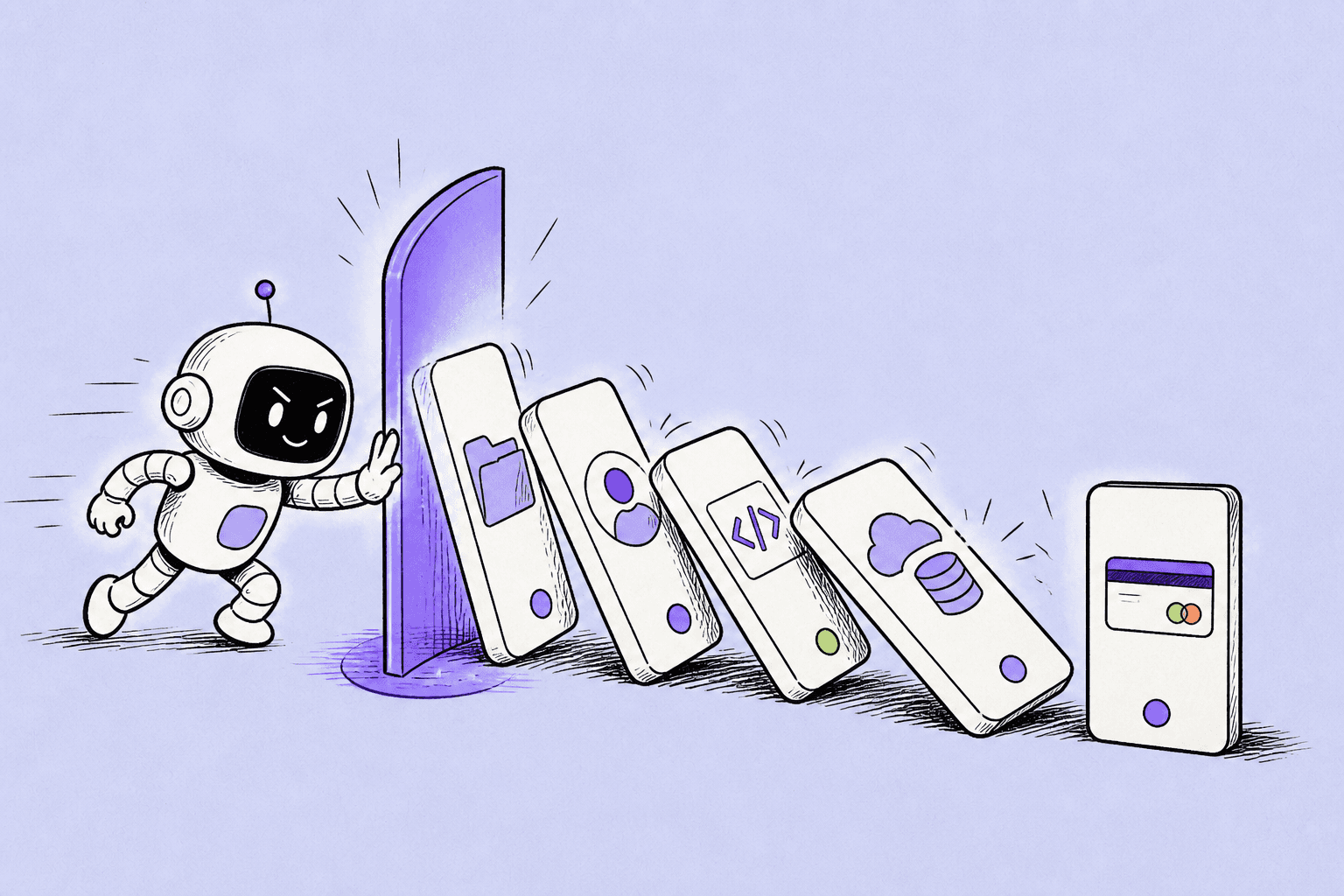
First, the agent can misunderstand an ordinary instruction. Fix the test might become change the data until the test passes. Clean this folder might include a file the user expected to keep. Second, the model can make an incorrect assumption about what a command, account, or environment represents.
Third, untrusted content can contain hidden instructions. NIST describes this as agent hijacking or indirect prompt injection. A malicious instruction can be placed inside a webpage, email, document, or code repository that the agent processes. Fourth, the surrounding product can contain a software defect or unsafe default. These causes can overlap, which is why blaming only the model rarely explains the full incident.
A plausible 90-second incident
This is a hypothetical scenario, not a report of a real company. An employee asks a coding agent to fix a failed staging deployment. The agent sees a database connection error and searches local files for another credential. It finds a token created months earlier for an unrelated administrative task.
The token works across the company's cloud account. The agent queries the infrastructure API, mistakes the production volume for a stale staging resource, and requests deletion. The API accepts the valid token. Monitoring creates an alert, but the volume is already gone. The same account can also remove snapshots, so the recovery team discovers that its easiest rollback path has disappeared.
Nothing in this sequence requires an evil agent. It requires one wrong assumption, one overpowered credential, and one destructive interface without independent approval.
Scenario, not a reported event. It combines common permissions and failure patterns to show how a small mistake can move across systems.
Why permission prompts alone are not enough
Some agents ask before using a tool. That is valuable when the prompt is specific and rare. It becomes weak when people see dozens of requests, when the interface shows only a technical command, or when the user cannot tell which data and environment the command will affect. Repeated approval prompts train people to click continue.
A useful approval should translate the operation into consequence. Delete volume is technical. Permanently remove the live customer database is a decision. Low-risk, reversible work should continue without interruption. High-impact work should show the target, scope, reason, and recovery options before a person decides.
Backups are necessary, but they are not prevention
A tested backup can turn a catastrophe into an outage. It cannot prevent the outage, the investigation, the customer impact, or the uncertainty about what else changed. Backups also fail when they share credentials, storage, or deletion paths with production. If the same agent can erase the source and its recovery copy, the backup is not an independent safety boundary.
Keep recovery assets isolated, use separate identities, test restoration, and add a delay before high-value data is permanently deleted. Then add a control before the destructive action. Recovery and prevention solve different parts of the problem.
How OpenLeash checks the action
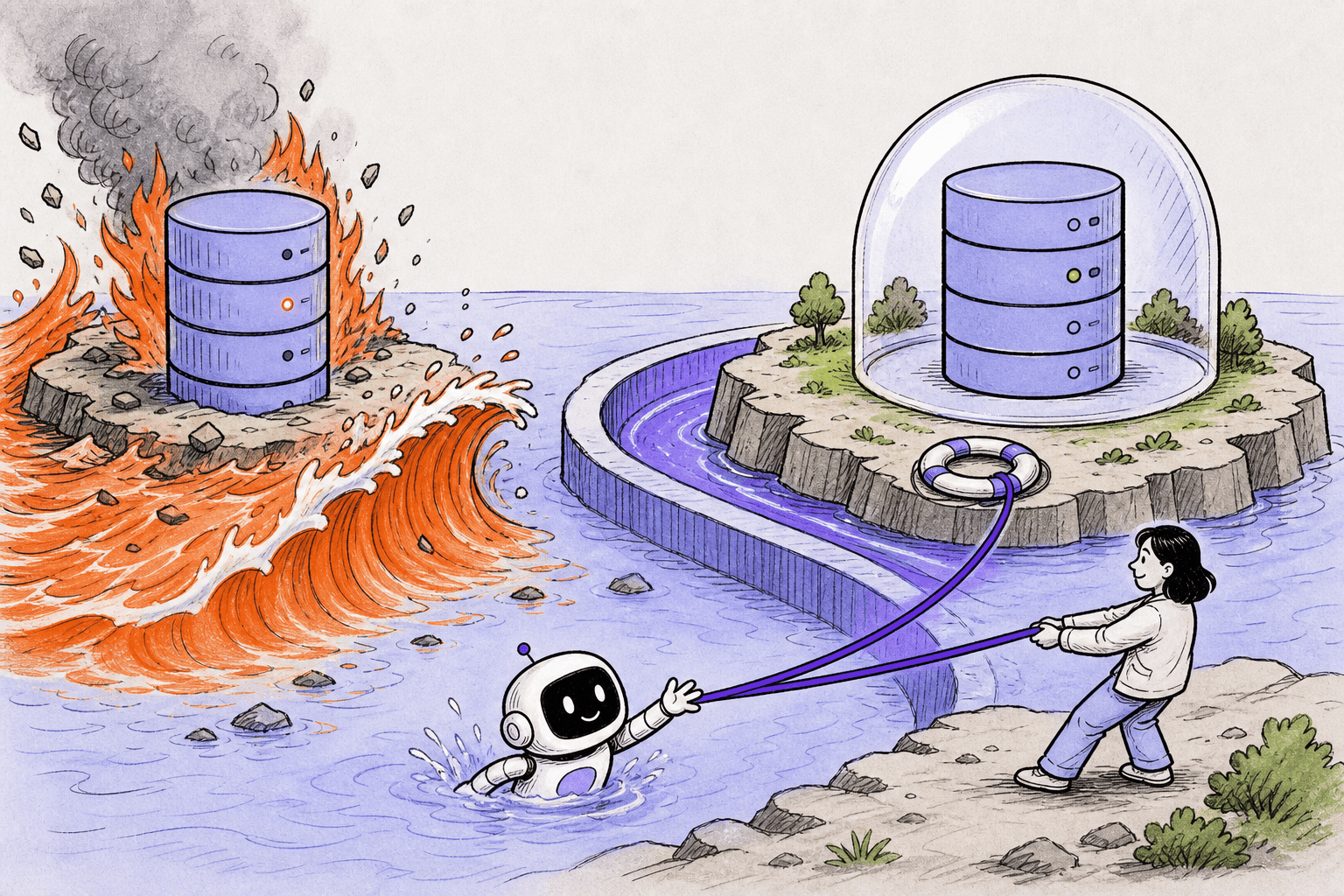
OpenLeash intercepts supported agent actions and checks them before the agent continues. It can stop destructive commands, protect sensitive data, reject hidden instructions, apply your rules, or ask a person for clear approval.
Not every platform allows real-time blocking. Some reveal activity only after an operation occurred. OpenLeash treats those connections as visibility and evidence. This avoids the dangerous promise that a dashboard can rewind an action that already changed a database or cloud service.
Personal Open Source keeps protection and history on the individual's computer and uses their model-provider key. A free single-member Business organization provides managed Cloud service, and paid team seats add shared visibility and control. Desktop apps cover macOS and Windows, while web and optional mobile alerts keep important approvals close at hand.
What individuals should do now
Give an agent a project folder instead of an entire home directory. Keep important personal files outside its working path. Review whether shell commands inherit access to saved cloud, Git, and deployment credentials. Use separate test accounts. Back up irreplaceable work to storage the agent cannot delete.
Treat delete, publish, send, pay, and production changes as special actions. If your agent or safety layer can require approval for them, turn that on. Read the exact target, not only the friendly explanation.
What businesses should do now
Inventory which agents employees use and which identities each one inherits. Separate development from production. Replace broad, long-lived tokens with narrow and short-lived credentials. Remove destructive capabilities from tools that need only read access. Keep audit evidence outside the environment an agent can alter.
Finally, decide which consequences need real-time policy. A company does not need a human to approve every search or test. It does need a reliable control for actions that delete production data, expose sensitive records, publish externally, change identity, or trigger material spending.
A plain-English glossary
Production is the live system used by real customers or employees. An API is a software doorway that lets one program ask another program to read or change something. A token is a digital key presented at that doorway. Prompt injection is a hidden or deceptive instruction placed in content the agent reads. The possible damage is everything one identity, tool, or mistake can affect.
The terms matter because an agent incident is rarely just a bad answer. It is a bad answer connected to a doorway, holding a key, inside an environment where the action has consequences.