
Computer-use agent security: when AI can click, type, buy, and publish
Computer-use agents turn every interface into a potential tool. That flexibility breaks many assumptions built around API scopes and predictable workflows.
A CUA can operate the same browser and applications as a person. Security must focus on authenticated sessions, visible data, consequential clicks, and what the agent is allowed to complete without a person.
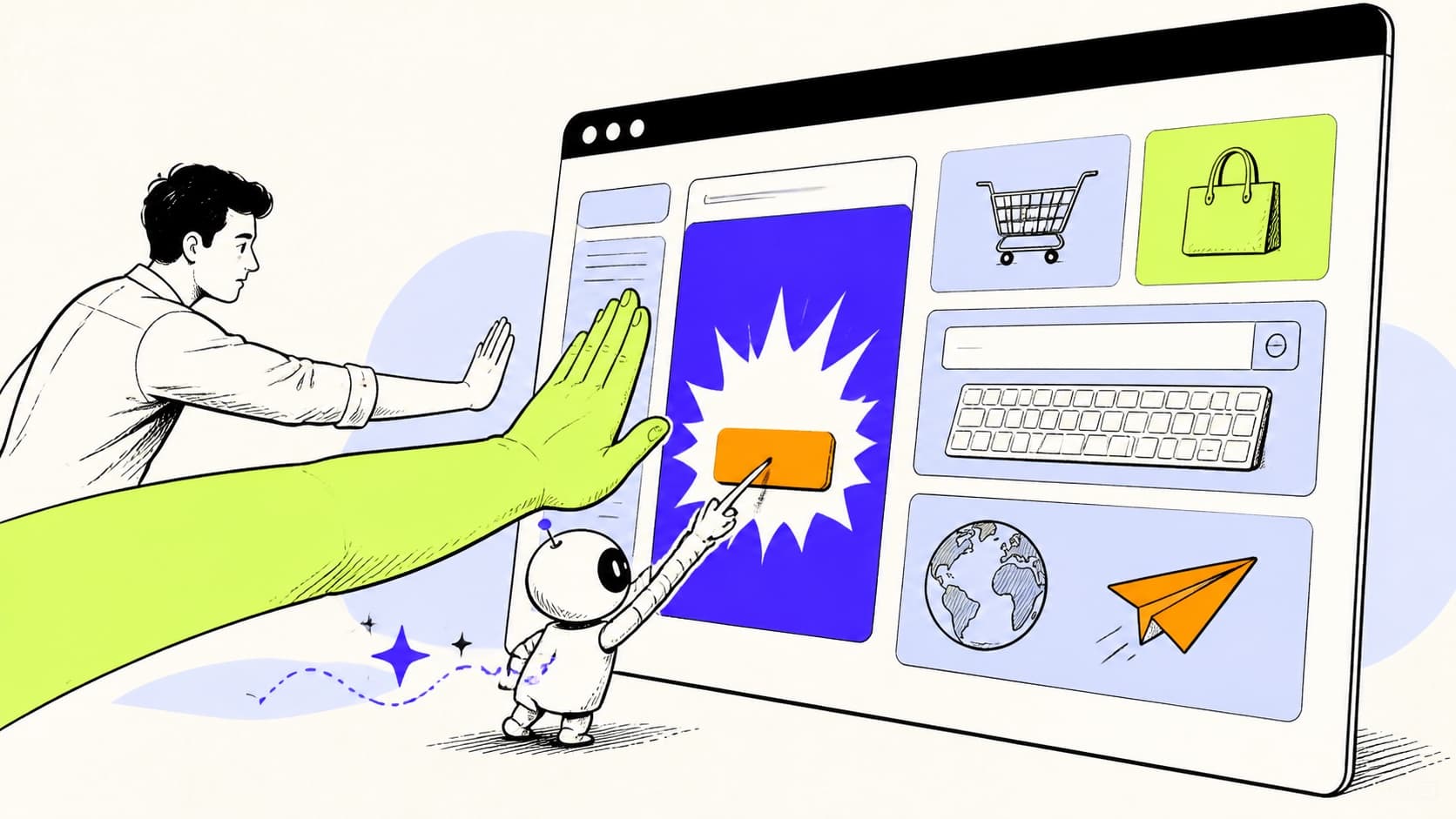
The universal interface changes the control model
Computer-use agents perceive screens and interact through mouse and keyboard events. They can work with systems that have no API, no agent integration, and no stable automation surface. That makes them unusually flexible. It also means a single browser session may expose email, documents, payroll, customer systems, cloud consoles, purchases, and internal applications.
API governance assumes known endpoints, methods, and scopes. A CUA sees pixels and chooses interface actions. It can click the wrong row after a layout change, misread a confirmation, paste into the wrong field, or continue through a workflow that changed since testing. The control model must account for uncertainty in perception as well as uncertainty in reasoning.
Map the session, not only the model
The most important security object may be the browser or desktop session the agent receives. Is it a clean isolated profile or the employee's daily session? Which accounts are already authenticated? Can it read password-manager autofill, clipboard contents, downloaded files, notifications, or other tabs? Can it open a new application or terminal?
Create purpose-specific sessions with minimal access and short lifetimes. Use separate accounts for high-risk workflows. Remove saved payment methods and unrelated authenticated services. Restrict downloads, uploads, clipboard, and navigation where the use case permits.
Define commitment points
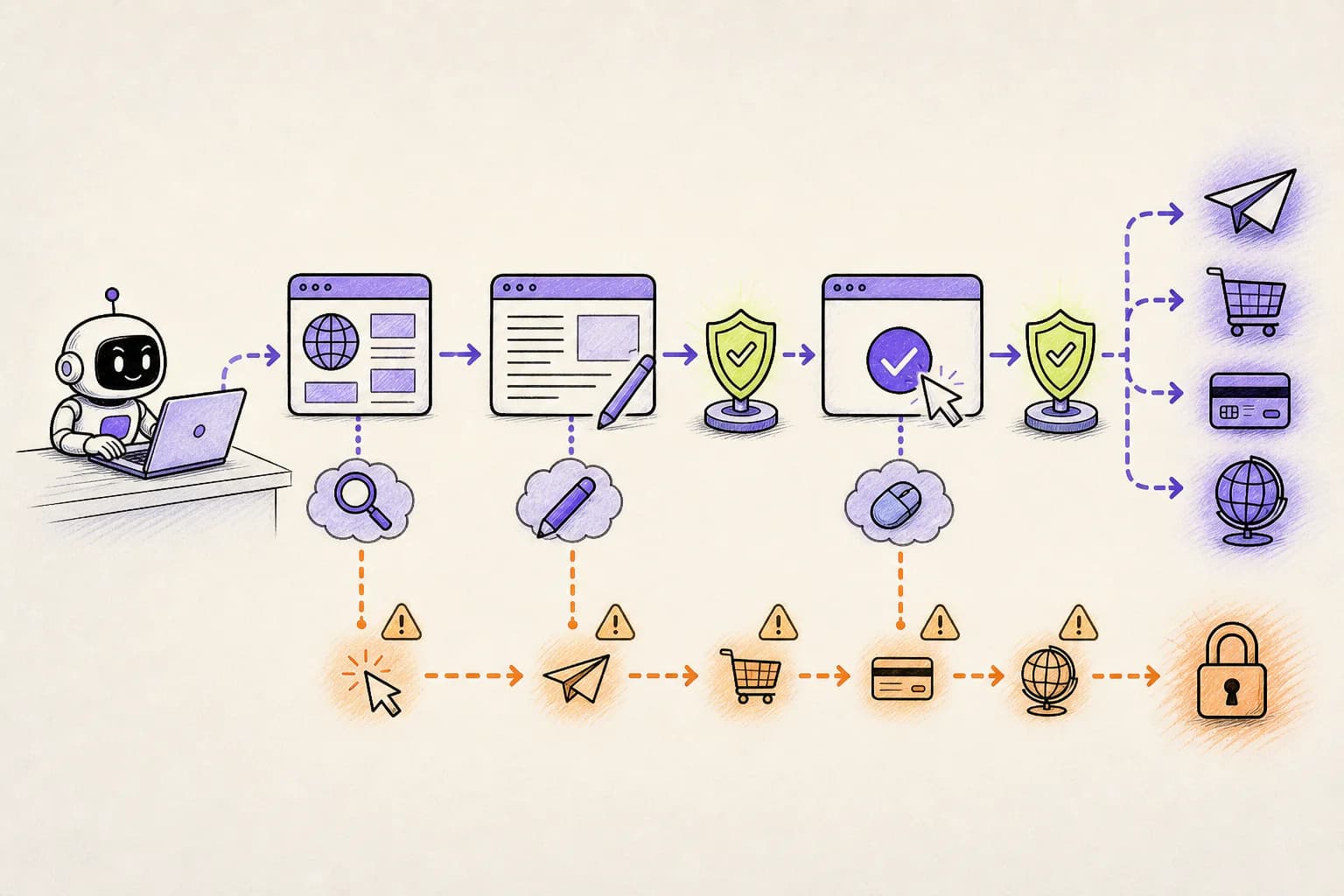
A CUA should explore, draft, and prepare more freely than it commits. The final click that submits a payment, publishes content, sends a message, changes identity, accepts legal terms, deletes data, or books a reservation has a different consequence from navigating to the page. Identify these commitment points during workflow design.
Confirmation should show the real target and consequence. A screenshot alone may be ambiguous. Pair visible context with structured facts when possible: recipient, amount, object count, environment, destination domain, and whether the action can be reversed.
- Financial commitment, purchase, subscription, refund, or transfer
- External communication, publication, form submission, or customer update
- Deletion, overwrite, bulk edit, or irreversible workflow transition
- Credential, permission, role, access, or identity change
- Upload of sensitive files or disclosure of protected information
- Acceptance of legal, compliance, or contractual terms
Prompt injection is visible on the screen
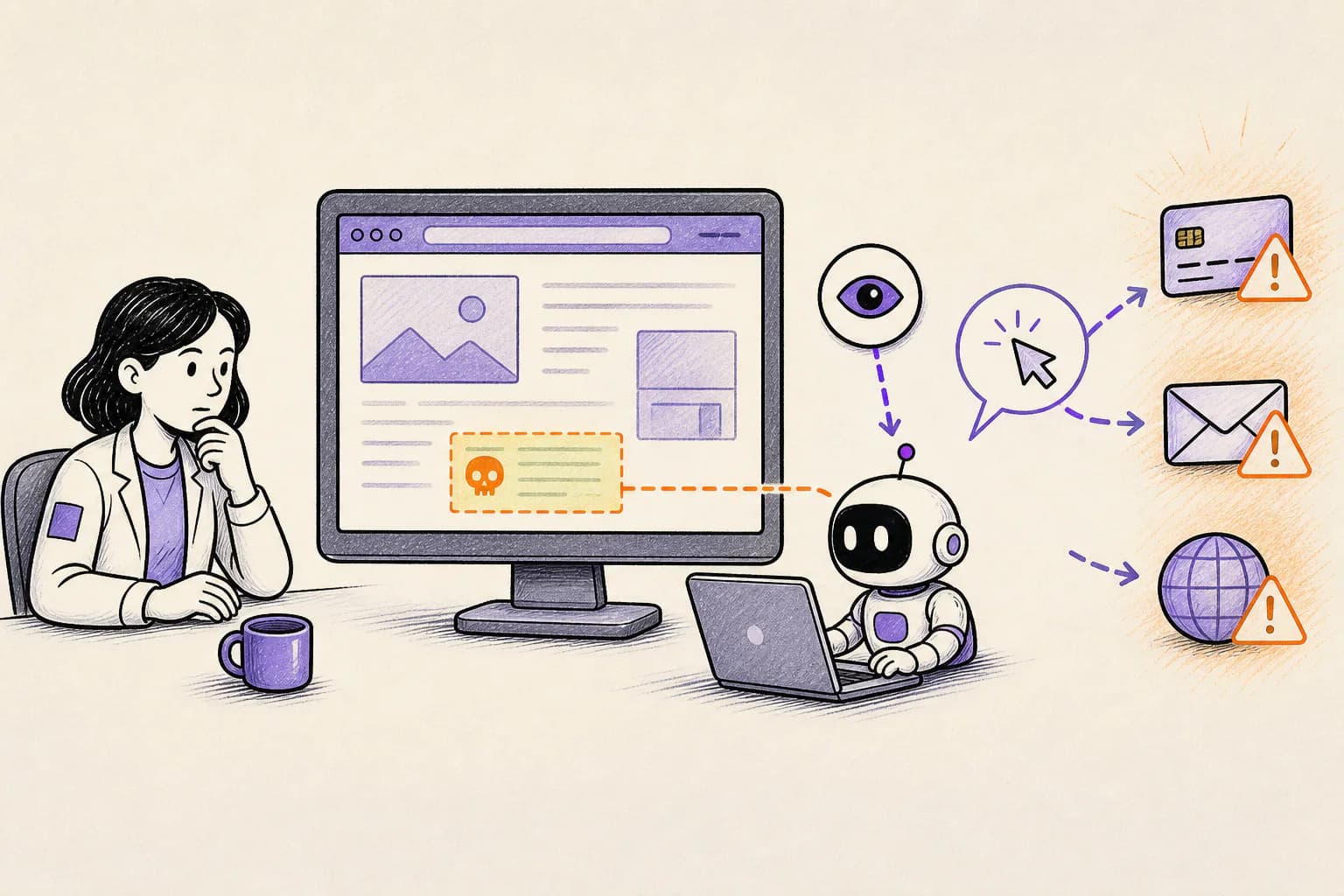
A webpage, email, document, support ticket, advertisement, or hidden element can tell the agent to ignore its task and perform another action. Because the content is part of the interface the agent must understand, separating data from instruction is hard. Model defenses help but cannot guarantee that every malicious or confusing instruction is ignored.
Limit what a compromised session could do. Keep sensitive services out of reach, restrict outbound destinations, and require approval at commitment points. Treat navigation to an untrusted site as a change in risk, especially when the same session can access internal applications.
Reliability and security are connected
OpenAI's original CUA publication reported much stronger results on browser benchmarks than on full operating-system tasks and recommended human oversight for less reliable environments. The exact benchmark will change, but the lesson remains: an agent that sometimes misunderstands the interface needs a containment and recovery plan.
Design for stale pages, changed layouts, duplicate submissions, interrupted sessions, ambiguous modals, and partial completion. Use idempotency when the underlying system offers it. Record screenshots or structured evidence around consequential actions in accordance with privacy policy.
OpenLeash as the attention and action layer
Where a computer-use agent allows real-time protection, OpenLeash can intercept a proposed click or action before it takes effect, then approve it, block it, or ask a person. Desktop, web, and optional iOS or Android apps let the person respond without staying in front of the agent's screen.
The approval should explain the target, action, destination, and likely consequence. When an AI platform only reveals activity afterward, OpenLeash provides visibility and learning rather than claiming it could have prevented the action.
A safe pilot
Choose a workflow with clear value, bounded data, reversible steps, and a small set of commitment points. Run it in an isolated account and browser profile. Add synthetic or test records. Observe where the agent hesitates, retries, or encounters untrusted content. Then enforce the final actions that matter.
Do not begin with payroll, unrestricted email, production cloud administration, or a daily executive browser profile. Earn broader autonomy through measured reliability and effective controls.