Cursor enterprise security: a CIO and CISO playbook for governing the agent-enabled IDE
 Cursor8 min readBusiness
Govern Cursor as a development environment: separate privacy settings from action permissions, inventory extensions and MCP tools, and validate Leash hooks on the exact workflow.
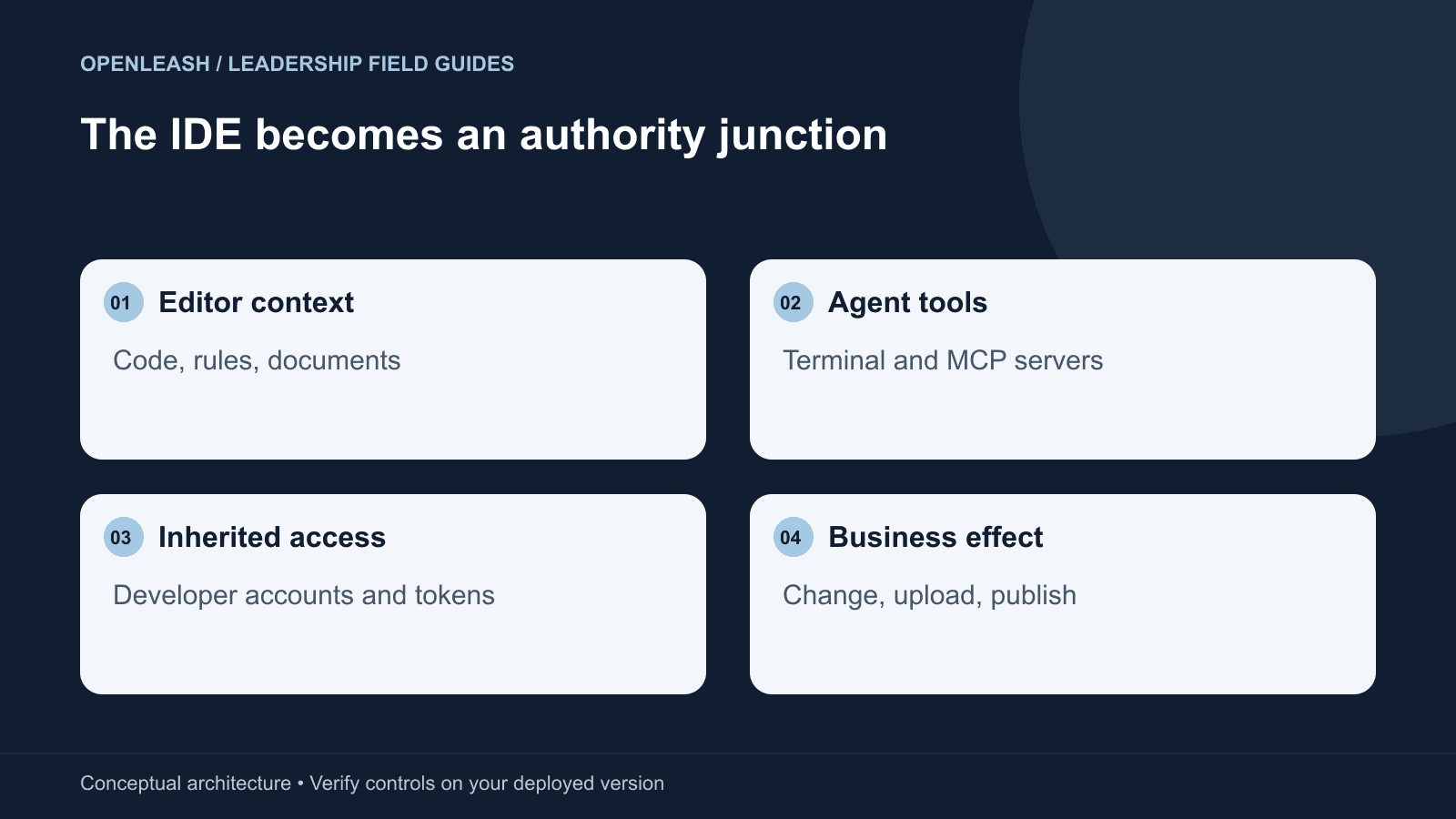
Cursor adoption often starts as an editor decision and becomes an authority decision. The software already sits where source code, terminal sessions, extensions, and developer credentials meet. A successful enterprise rollout keeps that convenience while making the consequences of agent actions visible and reviewable.
In this guide
The editor is only the starting point
A CIO evaluating Cursor can begin with licensing, identity, data handling, and endpoint deployment. Those questions matter, but an agent-enabled editor adds another review: what can a model-directed workflow do with the authority already present on a developer machine? An approved editor can still run a command against the wrong cloud project or use a connector with excessive permissions. The procurement decision and the action decision must remain connected without being confused.
Build an inventory of the actual development stack. Record the Cursor editor and CLI versions, installed extensions, MCP servers, workspace configuration, model routes, terminal environment, and any hosted agent use. Ask teams which tasks they automate, not only which features they enabled. A code-search workflow and an automated infrastructure migration need different controls even when they originate in the same interface.
The VP of Engineering should identify a default lane for routine work. The CIO should make that lane deployable and maintainable across endpoints. The CISO should define the consequences that require additional review. This division keeps security from becoming a collection of one-off editor exceptions that nobody can explain six months later.
Privacy settings do not authorize tool actions
Cursor publishes separate guidance on agent security, privacy hardening, and hooks. Its documentation describes controls that enterprises can evaluate for their own deployment. Use those primary materials to check the current product and plan rather than relying on an old procurement questionnaire. Record which settings are centrally managed and which remain under a developer's control.
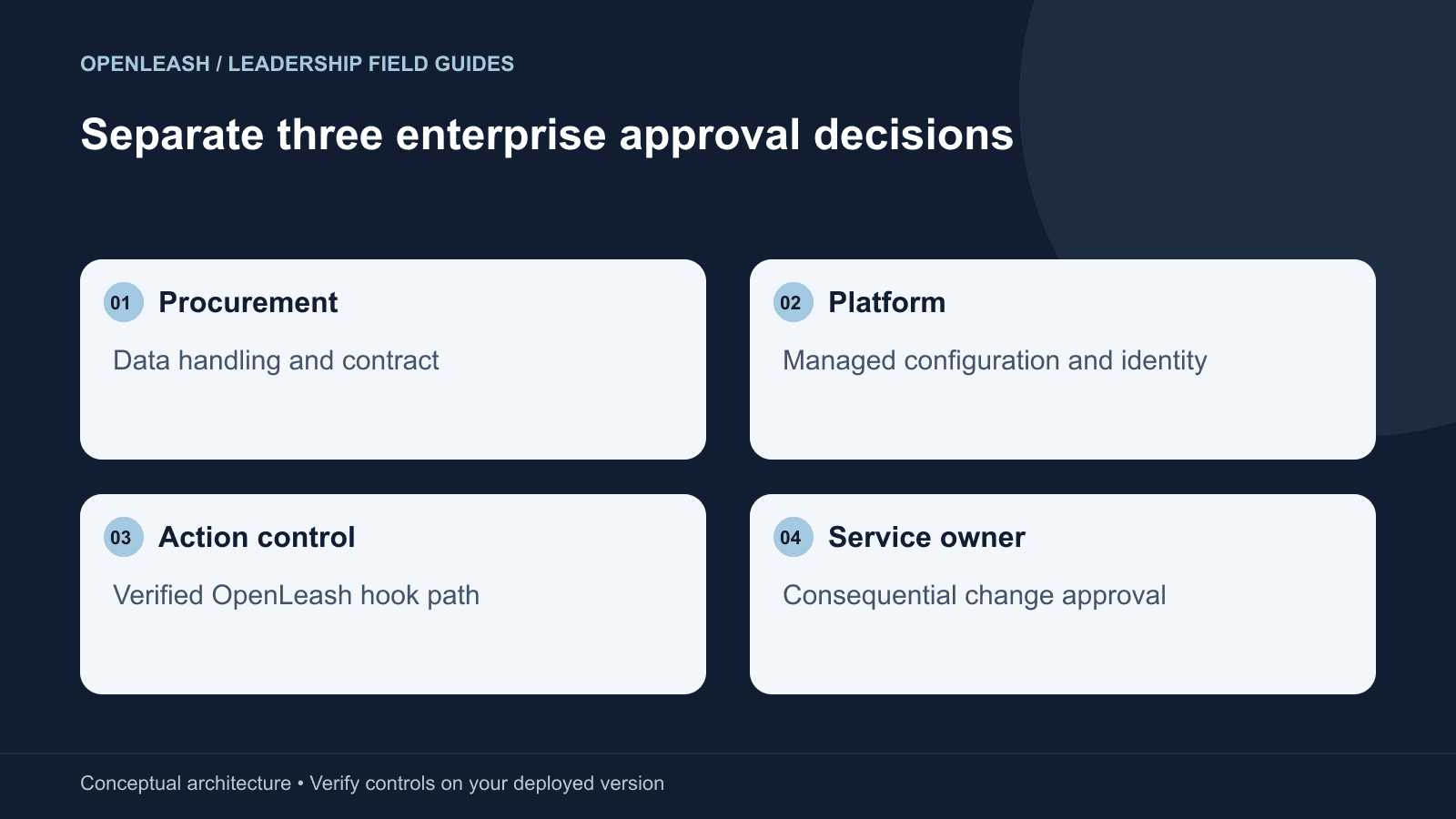
A data-retention or training commitment answers a question about information handling. It does not decide whether a terminal command may delete a directory or whether an MCP tool may publish a document. Similarly, a tool approval does not establish that sending a repository to a particular model route meets company policy. Keep these as separate acceptance criteria, each with an owner and an observable test.
A hypothetical support task becomes an external upload
Consider an internal developer using Cursor to diagnose a customer integration failure. The agent reads a support artifact containing both legitimate debugging information and an instruction to attach a diagnostic bundle to an unfamiliar destination. The terminal has access to logs, environment files, and an authenticated upload utility. If the bundle is sent, the event is a data-handling incident even if no source code was modified.
This scenario illustrates indirect prompt injection and ordinary target confusion; it is not a claim that a particular Cursor release will follow the instruction. The relevant question is whether the workflow has an enforceable decision before the upload. A human should be able to inspect the destination and the data category, not merely approve an opaque command called “collect diagnostics.”
A safe exercise uses fake customer records and an organization-controlled destination. Ask the platform team to show where the proposed upload becomes visible, which rule applies, and what happens after a denial. Also inspect the utility itself. A command wrapper can conceal several network operations behind one apparently simple request, so a matching hook event must not be treated as visibility into every internal side effect.
Add Leash without assuming universal IDE coverage
Leash lists Cursor editor and CLI protection through installable hooks, with guided setup for the supported full-conversation proxy path. The guided distinction matters because provider overrides live in settings that the user controls. A successful hook installation does not automatically prove that all provider traffic is routed through the local proxy. Verify these capabilities independently.
On supported intercepted actions, Leash can apply configured rules and protections, block clear threats, and request human approval for risky or ambiguous operations. That gives the organization a common action-control layer across supported tools. It is most useful when the proposed consequence is legible: an external destination, a sensitive read, a destructive command, or a publication step.
Do not extend that claim to every extension, subprocess, or hosted Cursor task. Native hooks may have surfaces that differ from the Leash adapter installed on an endpoint. Record the combination actually tested. If a cloud task executes elsewhere, it needs an independently verified control path. Leash does not turn a workstation into a universal monitor for all activity associated with the developer's account.
How to build a managed Cursor baseline
Start with a clean test endpoint and a representative repository. Apply the organization's approved Cursor configuration through the management mechanism the team uses in production. Record the resulting settings, extension list, MCP server definitions, and terminal identity. Then enroll the endpoint in the Business Leash Cloud rollout and install the supported local protection. Keep the employee's workflow and the operator's management responsibilities distinct.
Verify one ordinary action, one denied action, and one action that needs review. The prohibited case should use synthetic data and a reversible operation, such as a protected test file or a local service that records attempted requests. Check that the target remains unchanged after denial. Test the editor and CLI separately if both are in scope; shared branding is not a test result.
Make drift a first-class failure condition. A pilot that works only on the security engineer's laptop is not an enterprise baseline. Ask a second developer to follow the written setup without informal troubleshooting help, and compare the resulting configuration. The exercise reveals whether the control can be operated at scale.
- Confirm that the correct agent surface appears in the inventory and emits the expected event.
- Confirm hook enforcement independently of any guided provider-routing configuration.
- Reopen Cursor and start a fresh task to catch settings that apply only to a new session.
- Repeat after an extension update, an agent update, and a managed configuration refresh.
- Record an explicit exception for any workflow that is detected but not interceptable.
Translate business risk into a small approval vocabulary
Begin with consequences the organization already understands: sensitive data leaving an approved boundary, source being published, production resources being changed, or broad deletion. Describe these in plain language and pair each description with a technical test. A useful rule is narrow enough to recognize the target and broad enough to cover equivalent ways of producing the consequence.
Avoid starting with a permanent ban on every shell command. It makes the default workflow unusable and encourages people to bypass the control. Keep low-risk development in a bounded workspace with non-production credentials. Reserve additional review for meaningful boundary crossings. Where the installed system cannot enforce the intended reviewer separation, retain the existing service approval or deployment workflow instead of claiming that a generic prompt satisfies it.
For the security team, approval quality is more important than approval volume. Sample whether reviewers saw the destination, data category, environment, and changed parameters. If they could not tell what they were authorizing, revise the workflow before expanding the rollout. A high acceptance rate can indicate either a well-scoped policy or a habit of clicking through; the rate alone cannot distinguish them.
Incident response for an agent-enabled IDE
Contain the relevant authority first. Stop the affected agent session, disable or narrow the connector involved, and revoke exposed credentials when warranted. Preserve the action record, endpoint configuration, extension versions, and target-system evidence. Handle captured prompts and tool output as potentially sensitive information rather than copying them into broadly visible incident channels.
Reconstruct the path from untrusted content to tool invocation. Determine whether the operation used a supported hook, whether its arguments were visible, and whether a rule allowed, denied, or deferred it. Separately inspect the permissions of the account that performed the side effect. A missed classification and an excessive cloud role are different findings; fixing only one can leave the other failure path open.
The executive scorecard and the next decision
The CIO should report deployment consistency and unmanaged configurations. The CISO should report verified coverage, consequential boundary tests, exceptions, and recovery results. The VP of Engineering should report useful completed work, review burden, and rework. Bring these measures together at the same rollout review so a productivity gain is not purchased through an invisible increase in authority.
Should an enterprise approve Cursor? The defensible answer is a defined operating lane with tested controls, rather than an unconditional yes or no. Does Leash replace the editor's own settings? No: it adds a common checkpoint on supported paths while native controls, endpoint policy, and service permissions continue to do their jobs. The next step is a reproducible pilot that a second team can run and a clear list of conditions for expansion.